Download Beads Viewer for Mac
Version latest · Free & open source
Beads Viewer for Mac is a free, native macOS task and issue tracker for multi-agent AI systems. View, edit, and sync Beads JSONL files and Dolt databases in a fast, native interface — no code editor required. See your whole issue graph with live status, blockers, and priority heatmaps. Built as a Universal Binary for Apple Silicon (M1, M2, M3, M4, M5) and Intel Macs.
Beads Viewer Latest Latest
macOS UniversalWhat's new in this release
- Loading release notes…
System Requirements
- Operating System: macOS 12 (Monterey) or later
- Processor: Apple Silicon (M1/M2/M3/M4/M5) or Intel
- Architecture: Universal Binary (arm64 + x86_64)
Installation
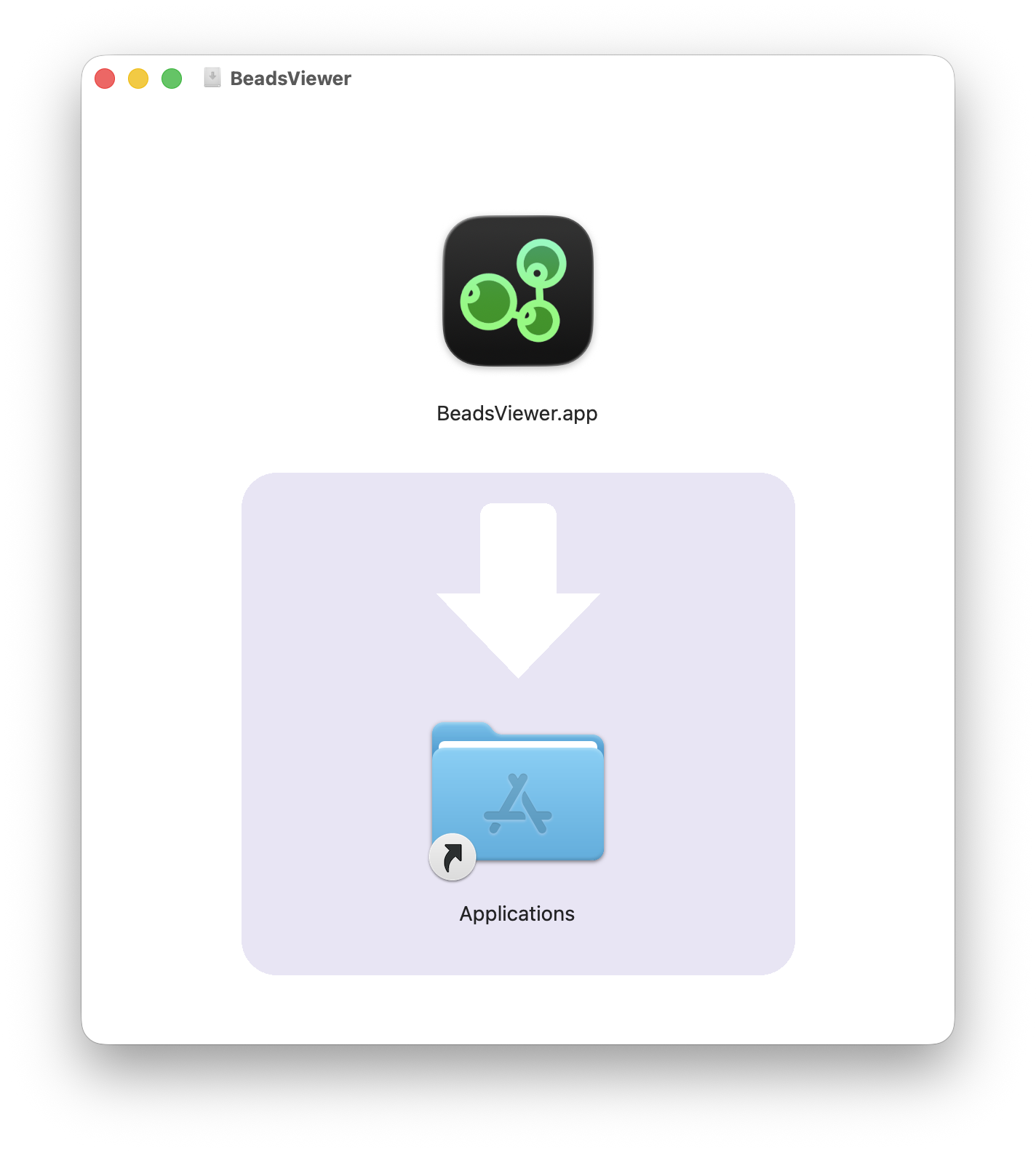
- Download the DMG file above
- Open the downloaded
.dmgfile - Drag Beads Viewer to your Applications folder
- Launch Beads Viewer from Applications or Spotlight
Each release is distributed as a signed, Apple-notarized DMG, so Gatekeeper accepts the app without an "unidentified developer" warning the first time you open it.
Safety & Source
- Open source. The full source is public on the GitHub repository, so anyone can audit or rebuild it.
- Code-signed & notarized. Each release is signed with an Apple Developer ID certificate and notarized by Apple, which scans every build for malware.
- No telemetry. Beads Viewer contains no analytics, advertising, or data collection.
Feedback
Found a bug or have an idea for Beads Viewer? Your submission opens a prefilled issue on GitHub so the project can track and respond to it publicly.
Report a Bug
Something crashing, freezing, or misbehaving? Tell us what broke and how to reproduce it.
Report a Bug →
Request a Feature
Want to see something added or improved? Describe the feature and why it would be useful.
Request a Feature →Frequently Asked Questions
Is Beads Viewer for Mac free?
Yes. Beads Viewer for Mac is completely free and open source. There are no ads, subscriptions, or in-app purchases.
What is Beads Viewer?
Beads Viewer is a native macOS task and issue tracker for multi-agent AI systems. It lets you view, edit and sync Beads JSONL files and Dolt databases in a fast, native interface — no code editor or command line required.
Do I need an editor or the command line to open Beads files?
No. Beads Viewer is a standalone native macOS app. It opens Beads JSONL files and Dolt databases directly, with a visual dependency graph and editing, so you do not need a separate editor or CLI.
Does Beads Viewer work on Apple Silicon (M1-M5)?
Yes. Beads Viewer is built as a Universal Binary with a native arm64 slice, so it runs at full speed on every Apple Silicon chip (M1 through M5) without Rosetta, and includes a native x86_64 slice for Intel Macs.
Is Beads Viewer safe to download?
Yes. Beads Viewer is open source, and each release is distributed as a code-signed, Apple-notarized DMG so macOS Gatekeeper accepts it without an "unidentified developer" warning. The source is public on GitHub.
Learn More
Read the Beads Viewer release write-up for details and screenshots. Beads Viewer is part of the Nextpad++ family of native macOS apps — explore Nextpad++, the free native Notepad++ port, and NextZip, a native 7-Zip-style archiver. Open an issue on the GitHub repository.