Download NextZip for Mac
Version latest · Free & open source
NextZip (also written Nzip or N-zip) for Mac is a free, native macOS compression and archive utility — a full port of the popular 7-Zip and a modern WinZip alternative for the Mac. Open, create, and manage ZIP, 7z, TAR and many more archive formats with a fast, native interface. Built as a Universal Binary for Apple Silicon (M1, M2, M3, M4, M5) and Intel Macs. No Wine, no Rosetta, no emulation needed.
NextZip Latest Latest
macOS UniversalWhat's new in this release
- Loading release notes…
System Requirements
- Operating System: macOS 12 (Monterey) or later
- Processor: Apple Silicon (M1/M2/M3/M4/M5) or Intel
- Architecture: Universal Binary (arm64 + x86_64)
Installation
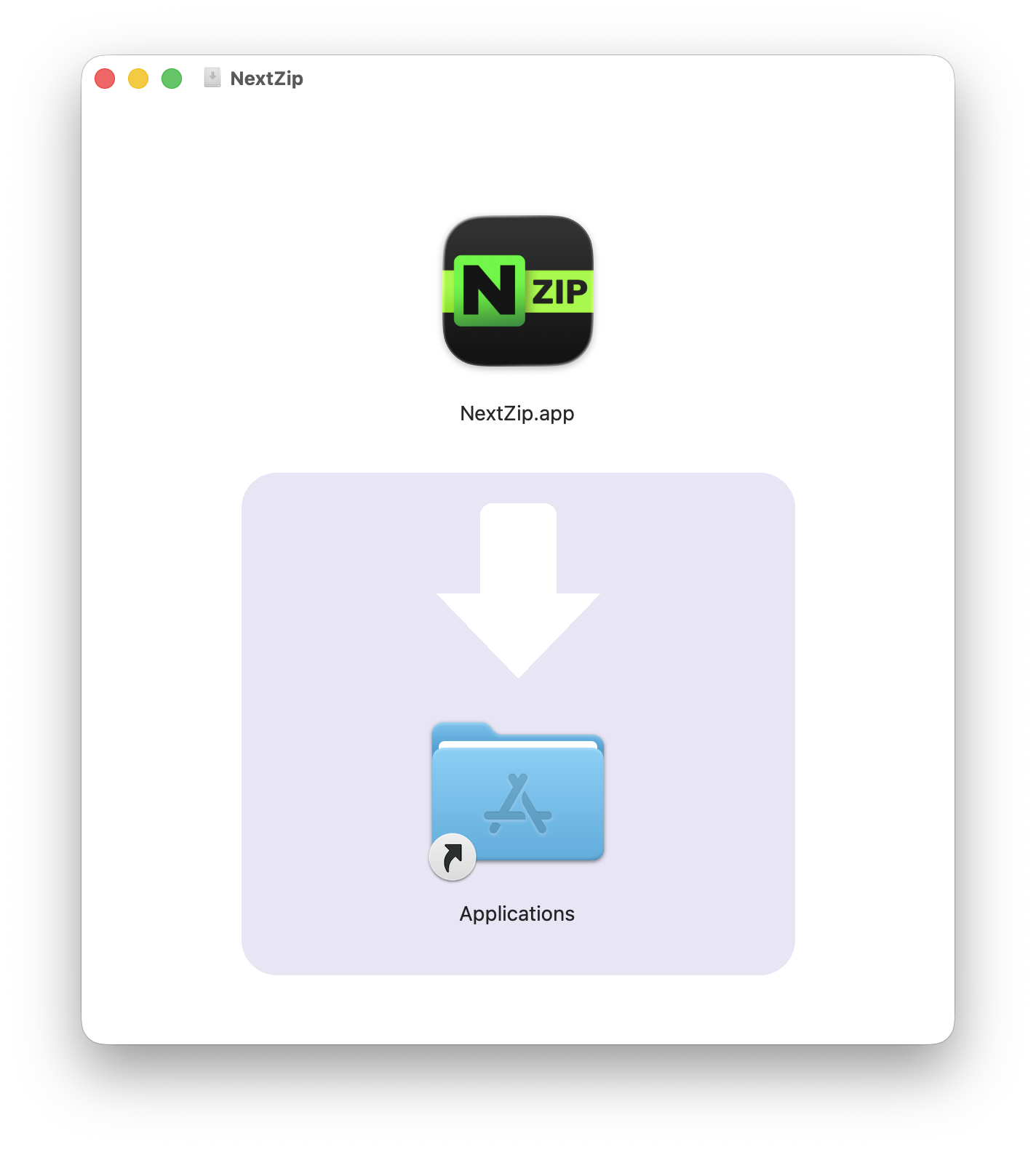
- Download the DMG file above.
- Open the downloaded
.dmgfile - Drag NextZip to your Applications folder
- Launch NextZip from Applications or Spotlight
Each release is distributed as a signed, Apple-notarized DMG, so Gatekeeper accepts the app without an "unidentified developer" warning the first time you open it.
Safety & Source
- Open source. The full source is public on the GitHub repository, so anyone can audit or rebuild it.
- Code-signed & notarized. Each release is signed with an Apple Developer ID certificate and notarized by Apple, which scans every build for malware.
- No telemetry. NextZip contains no analytics, advertising, or data collection.
Feedback
Found a bug or have an idea for NextZip? Your submission opens a prefilled issue on GitHub so the project can track and respond to it publicly.

Report a Bug
Something crashing, freezing, or misbehaving? Tell us what broke and how to reproduce it.
Report a Bug →
Request a Feature
Want to see something added or improved? Describe the feature and why it would be useful.
Request a Feature →Frequently Asked Questions
Is NextZip for Mac free?
Yes. NextZip for Mac is completely free and open source. There are no ads, subscriptions, or in-app purchases — the version you download is the full version.
Is NextZip a 7-Zip port for Mac?
Yes. NextZip (N-zip) is a native macOS port of 7-Zip, rebuilt on native macOS APIs. It is a modern WinZip alternative for Mac and does not require Wine, CrossOver, or any Windows compatibility layer.
Is NextZip the same as Nzip or N-zip?
Yes. NextZip is often written Nzip or N-zip — they all refer to the same free, native 7-Zip-style archiver for macOS.
Which archive formats does NextZip support on Mac?
NextZip opens and creates the common formats including ZIP and 7z, and extracts many more such as TAR, GZIP and RAR. See the GitHub repository for the current, complete list of supported formats.
Does NextZip work on Apple Silicon (M1-M5)?
Yes. NextZip is built as a Universal Binary with a native arm64 slice, so it runs at full speed on every Apple Silicon chip (M1 through M5) without Rosetta, and includes a native x86_64 slice for Intel Macs.
Is NextZip safe to download?
Yes. NextZip is open source, and each release is distributed as a code-signed, Apple-notarized DMG so macOS Gatekeeper accepts it without an "unidentified developer" warning. The source is public on GitHub.
Learn More
NextZip is part of the Nextpad++ family of native macOS apps. Explore Nextpad++, the free native Notepad++ port, and Beads Viewer, a native issue tracker for multi-agent AI. Browse the plugin catalog or open an issue on the GitHub repository.